novasonic.pk • Official Remote Workstation Software
Call Sales: +92 325 5158852 WhatsApp Client Portal
SonicDesk Remote Session
8ms Ping • 60 FPS Turbo • AES-256

Re-Discover
Remote Access

We connect you from where you are to where you need to be.

Detected: macOS (sonicdesk.dmg • 39.5 MB) — Standalone Native Installer
SonicDesk fits your needs

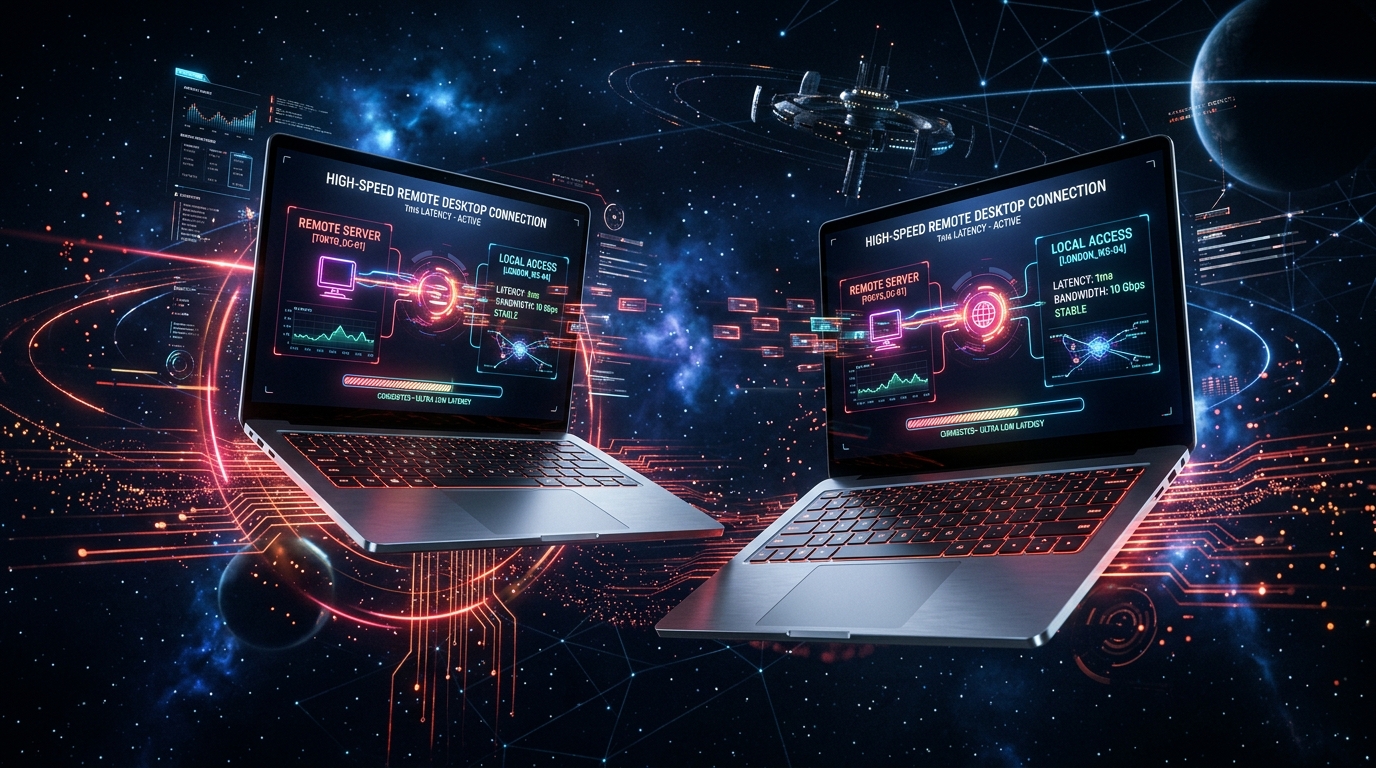
Engineered from first principles with WebRTC direct datachannels outperforming AnyDesk.

Collaboration

Bring teams into one shared view. Chat before and during sessions, highlight details on the screen with whiteboard pens, or record in WebM for later reference.

Assistance

Resolve issues with no interruption. Connect, diagnose, and guide users with sub-10ms responsive controls and hardware-accelerated 60 FPS streaming.

Direct Shell Access

Open files, execute host Bash/PowerShell commands without screen takeover, and transfer files via dual-pane bridge with SHA-256 verification.

Quantum Security

Encrypt connections with AES-256-GCM and DTLS 1.3, control permissions, add PIN codes, and deploy across Cloud or private on-premise infrastructure.

OFFICIAL PACKAGES

Download SonicDesk for Any Platform

Select your operating system to start low-latency remote desktop management immediately.

Digitally Verified & Packaged for macOS, Windows, Android & iOS by NovaSonic Global (Pvt.) Ltd.

SonicDesk Mobile Remote App
Android & iOS Touch Engine • 60 FPS
FULL MOBILE FREEDOM

Remote Control Desktops From Your Smartphone

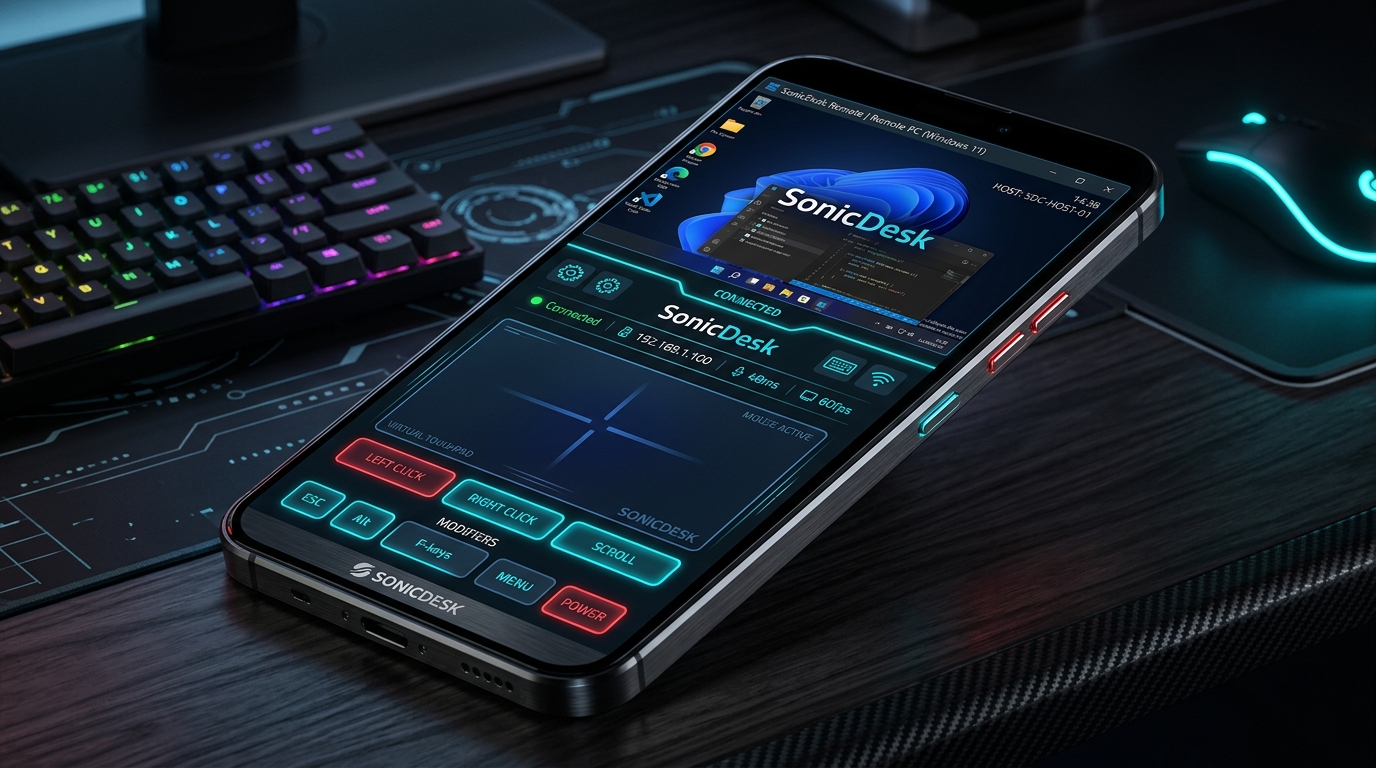
Control your office PC, access servers on the go, or help customers right from your Android phone or iPhone with complete touch and keyboard support.

Virtual Mouse Touchpad & Gestures

Two-finger scroll, pinch to zoom, tap to click, and high-precision mouse tracking.

Remote Desktop Keyboard & Modifiers

Quick-access Ctrl, Alt, Shift, Esc, Tab, Windows key, and Function keys (F1-F12).

Ultra-Low 4G/5G Battery & Data Saving

Adaptive mobile streaming preserves data quota and ensures butter-smooth frame rates.

Download Android APK (18 MB) iOS Mobile Client
ZERO INSTALLATION NEEDED

Run SonicDesk Web Client in Browser

WebRTC Direct: ACTIVE

This Workstation (Host)

Share this SonicDesk ID with your remote technician:

446 110 482
Launch Remote Station

Control Remote Device

Enter the 9-digit ID of the machine you wish to control:

Encrypted session channel protected by AES-256-GCM.